Auto-Record with OBS Latencies
OBS Auto-record is available in "Other" mode, selected in the top row of options
For recordings using OBS Studio, for example with Vesticam or similar goggles, EP Latencies includes an "Auto-Record" feature.
This starts and stops recording together with the animation, making sure that you don't miss any part of the eye movements
The program detects whether OBS studio is installed and running and automatically starts and stops recording
This feature is enabled by clicking on the checkbox
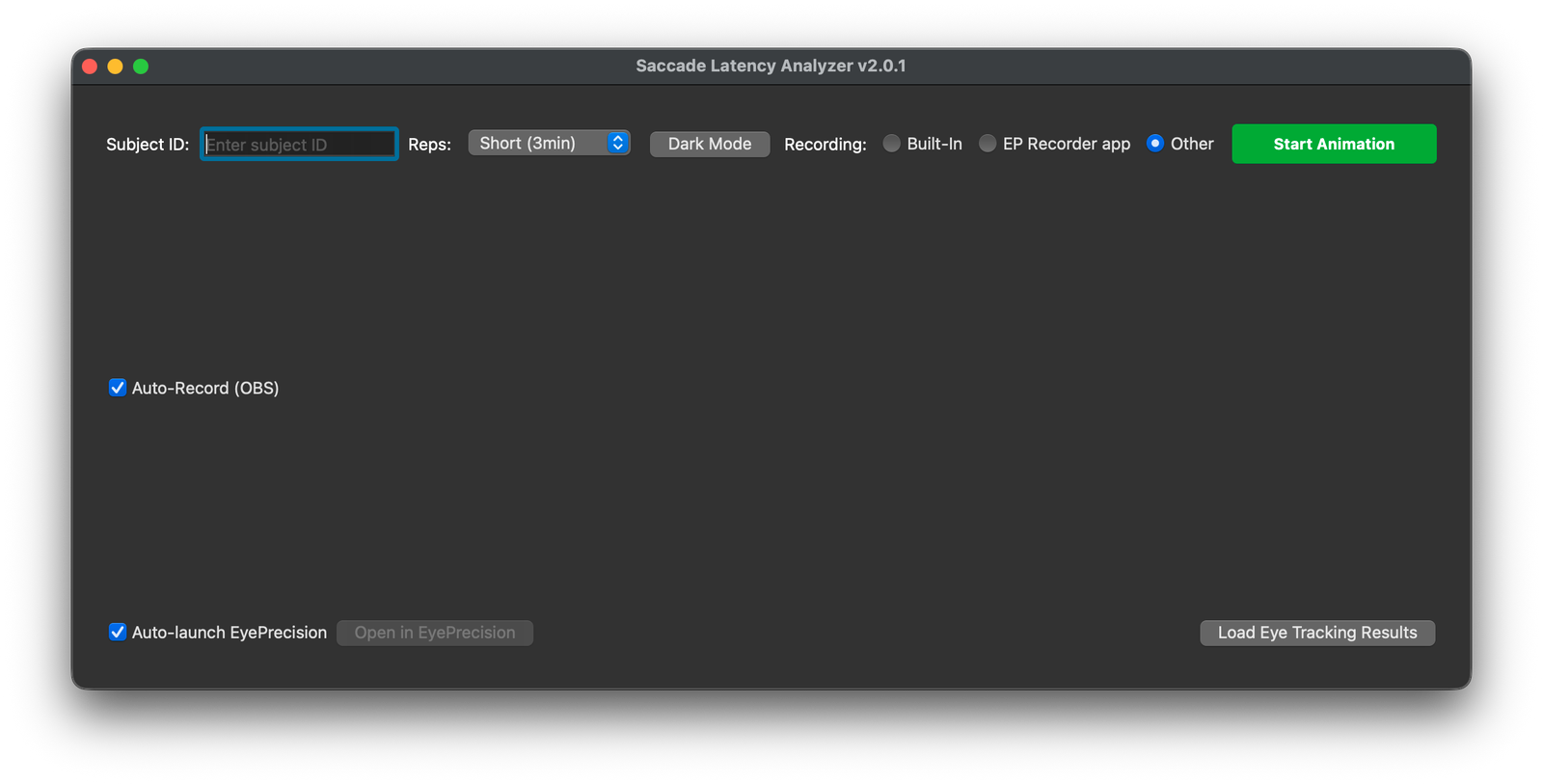
If the checkbox is not available (greyed-out) that means that EP Latencies is not detecting OBS studios
After recording, EP Lateencies will automatically open the directory in which the recording has been saved