Record videos for Eye Precision on a smartphone
There is now an iPhone app, EP Recorder, which helps test providers or remote test subject record their eyes more consistently
To learn how to use EP Recorder go to this module
The Short Version
- Use the main phone camera, not the selfie camera
- Use a tripod, an angled phone stand or prop the phone up again a pile of books of boxes
- Turn the phone light on
- Get the camera close to the face - just a few centimeters/an inch or two away
- Don't block the visual target! Put the phone camera just below the eyeline, angled slightly up
- If possible check that the eye(s) are clearly visible, with as little extra space as possible
- Try to keep the head still
- Avoid reflections on the eyes. This means recording the video away from bright lights, particularly in front of the test subject.
- See example screenshots below
See also - Head movement correction to get the most accurate results
Watch the video below for detailed instructions
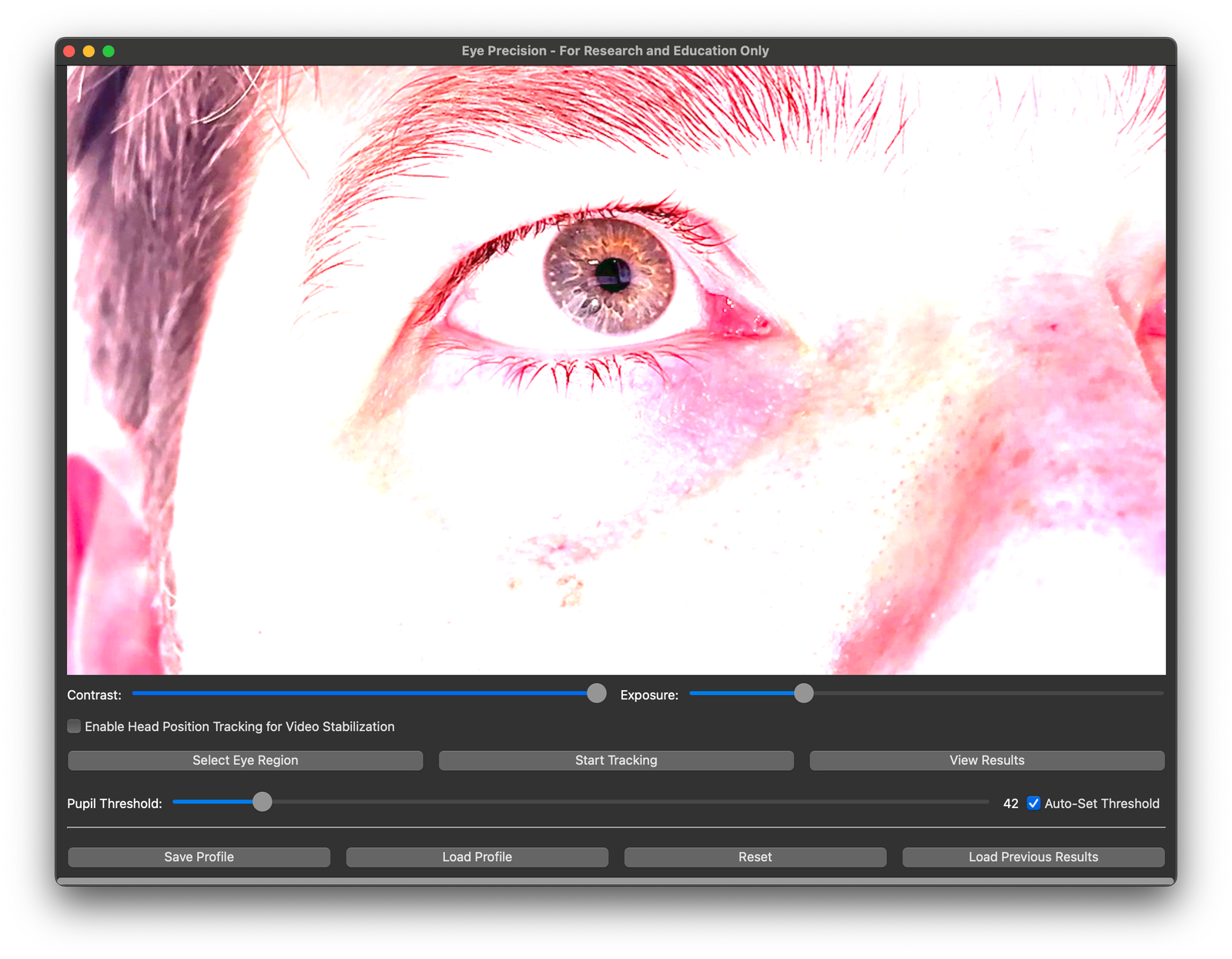
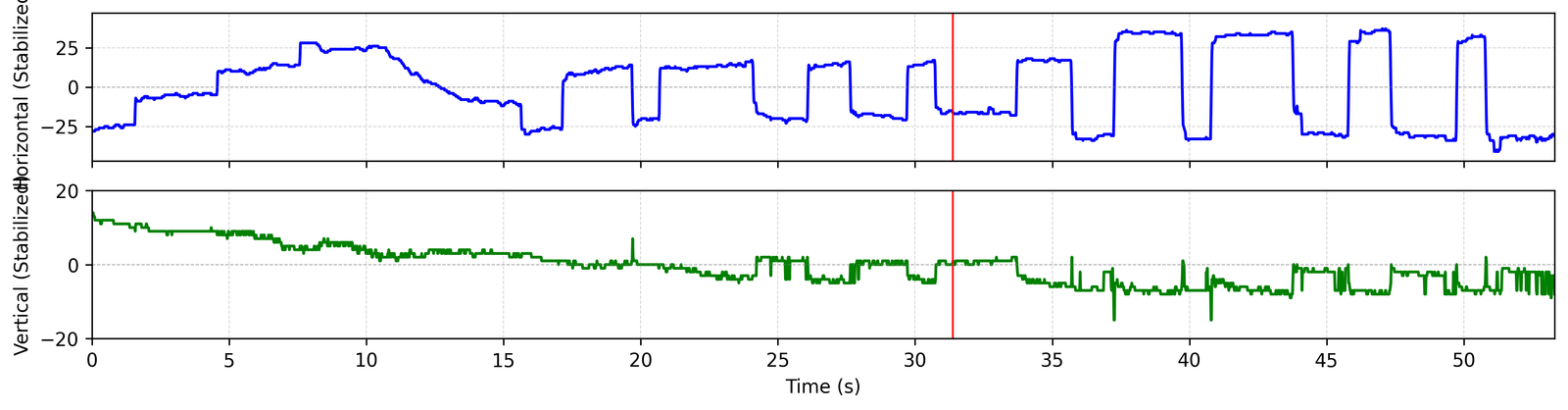
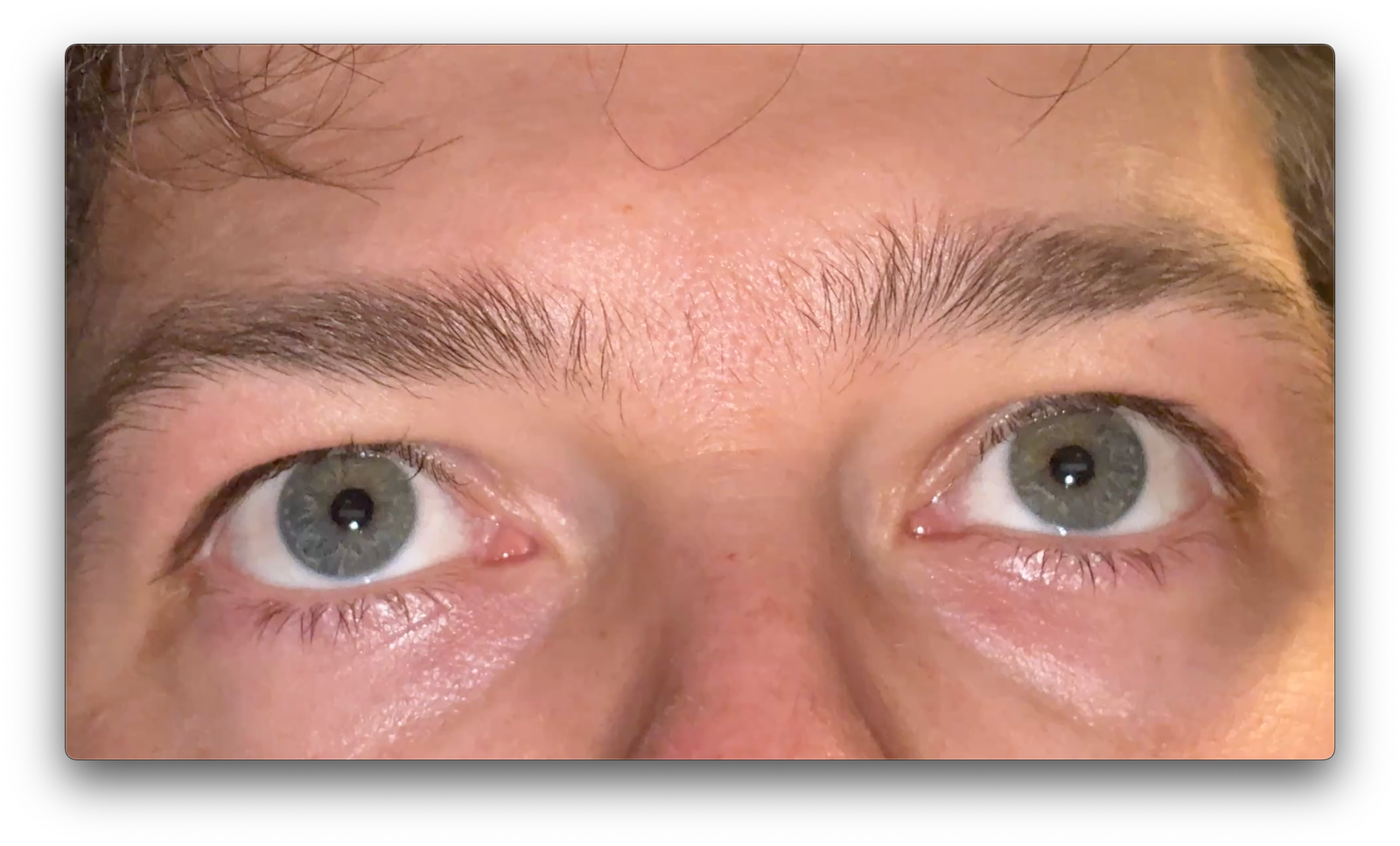
Screenshots of smartphone videos with high-quality results for reference
Single Eye
Original
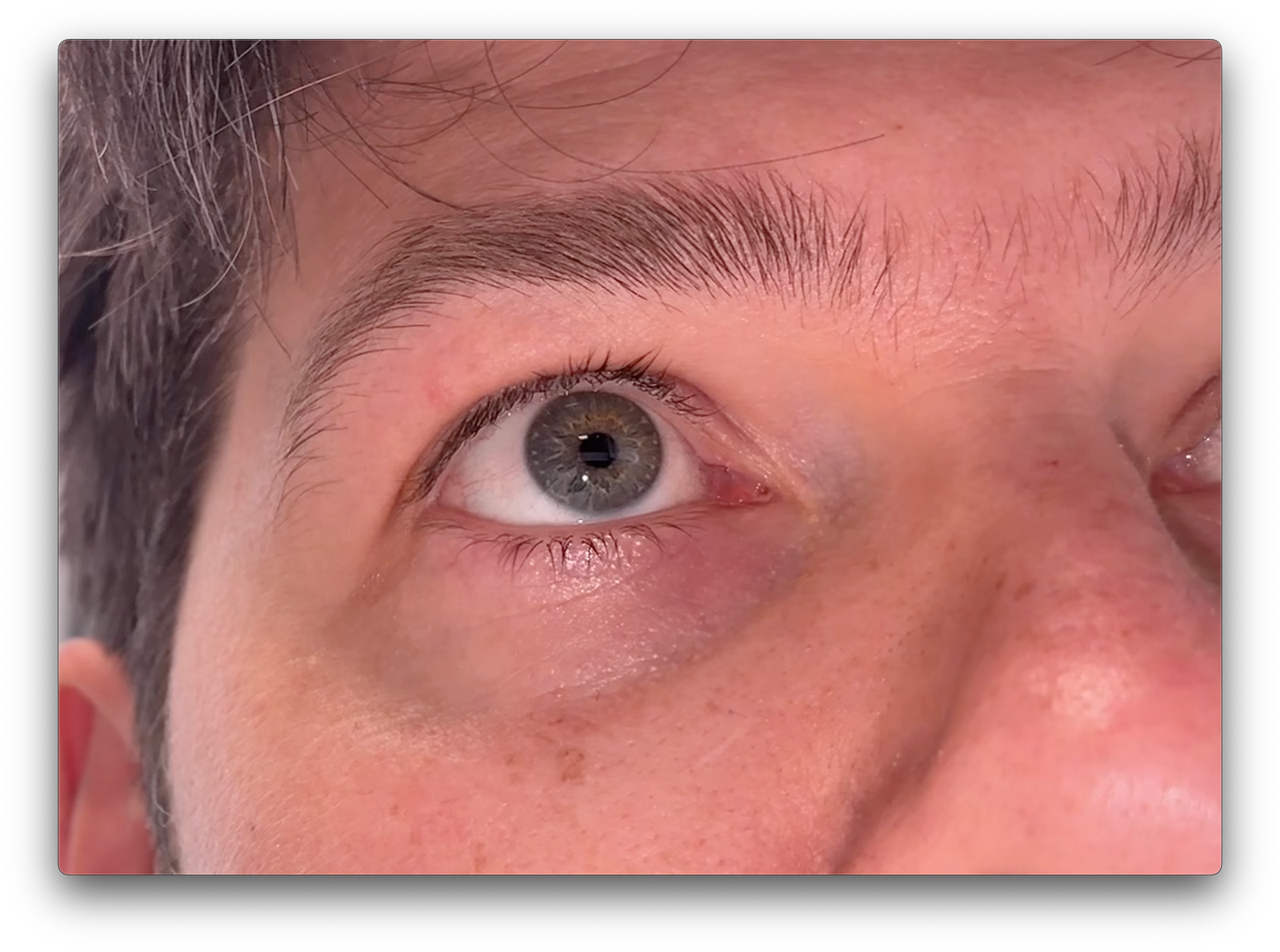
App settings
Results graph
Both Eyes
Original
App settings
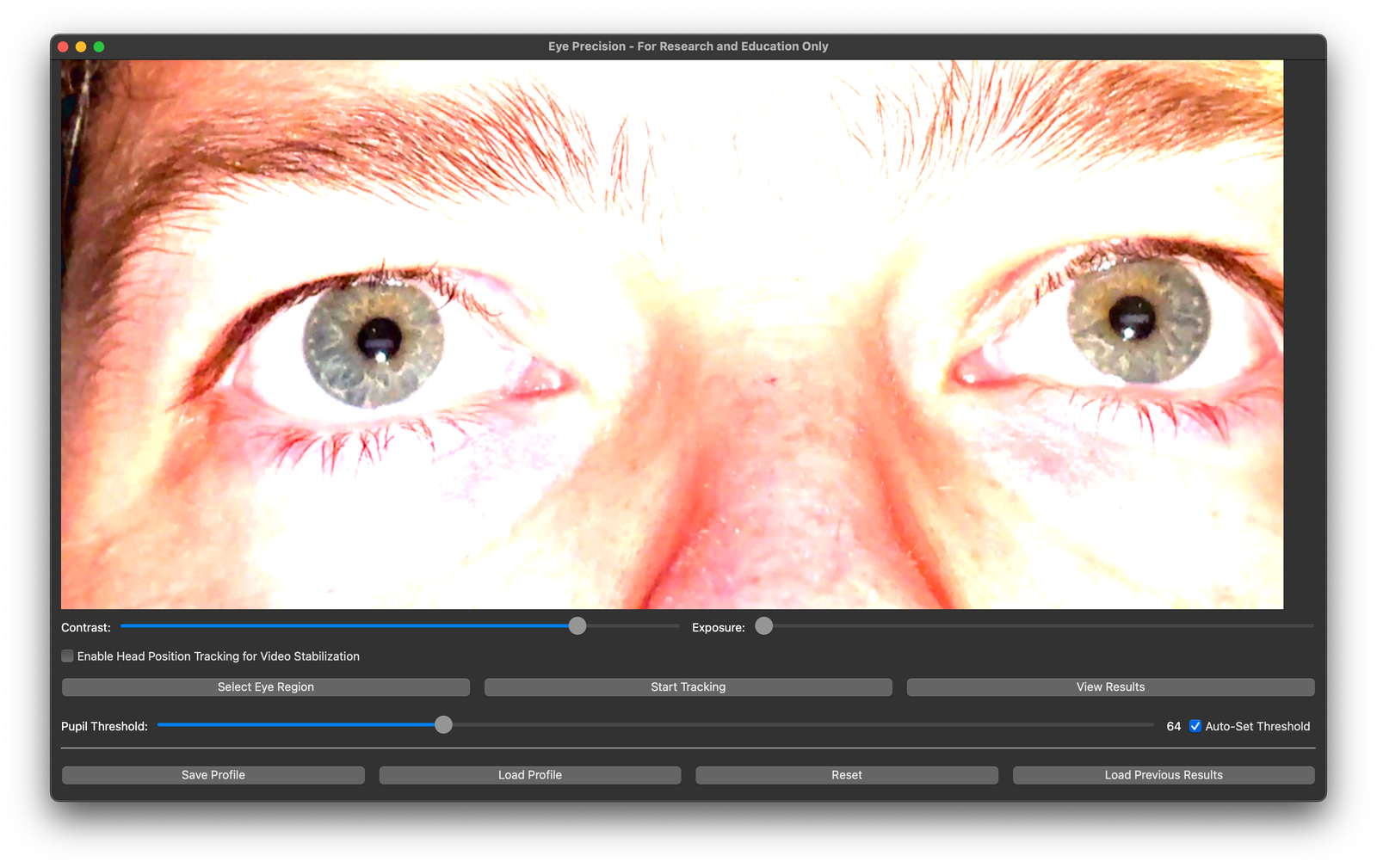
Results graph - left eye (head not stabilised)
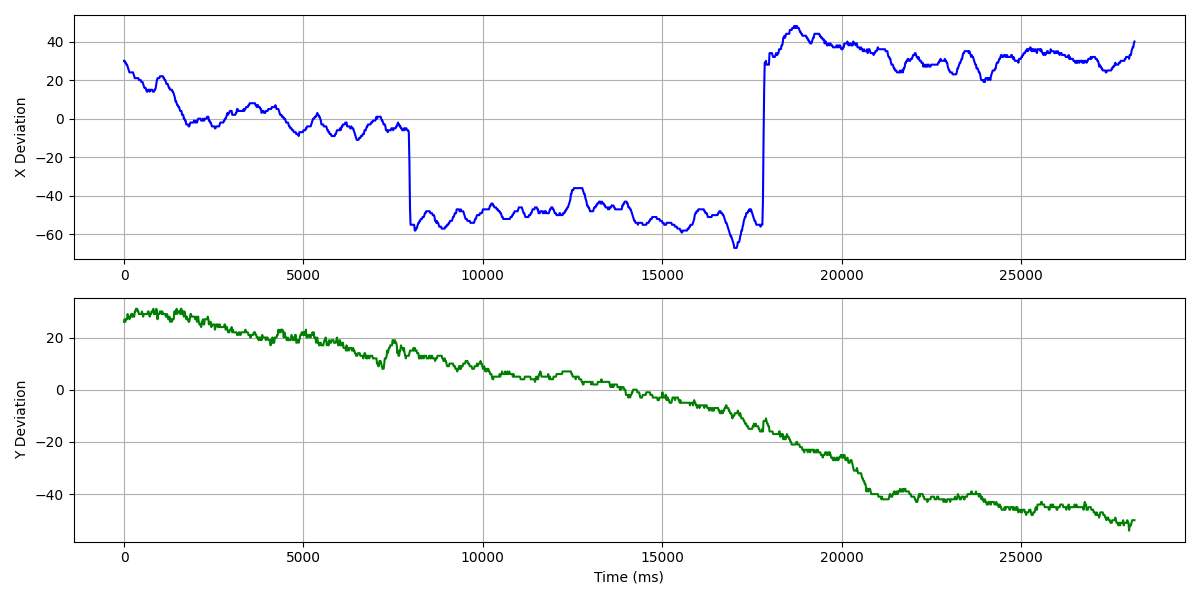
Results graph - right eye (head not stabilised)
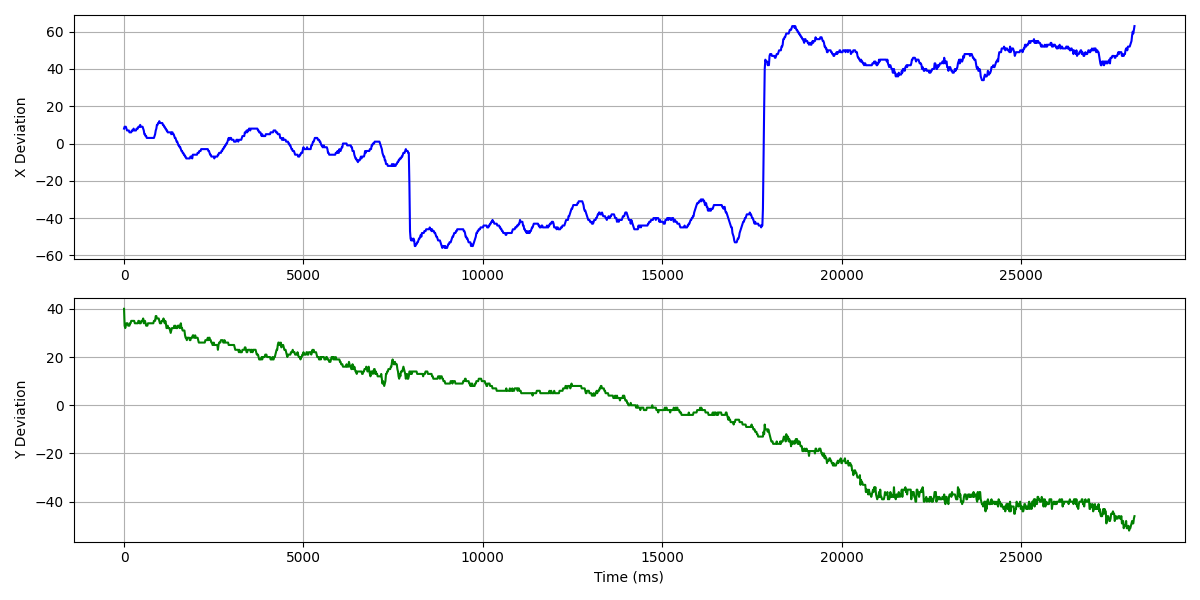
Head Movement correction
Original - Head movement correction video
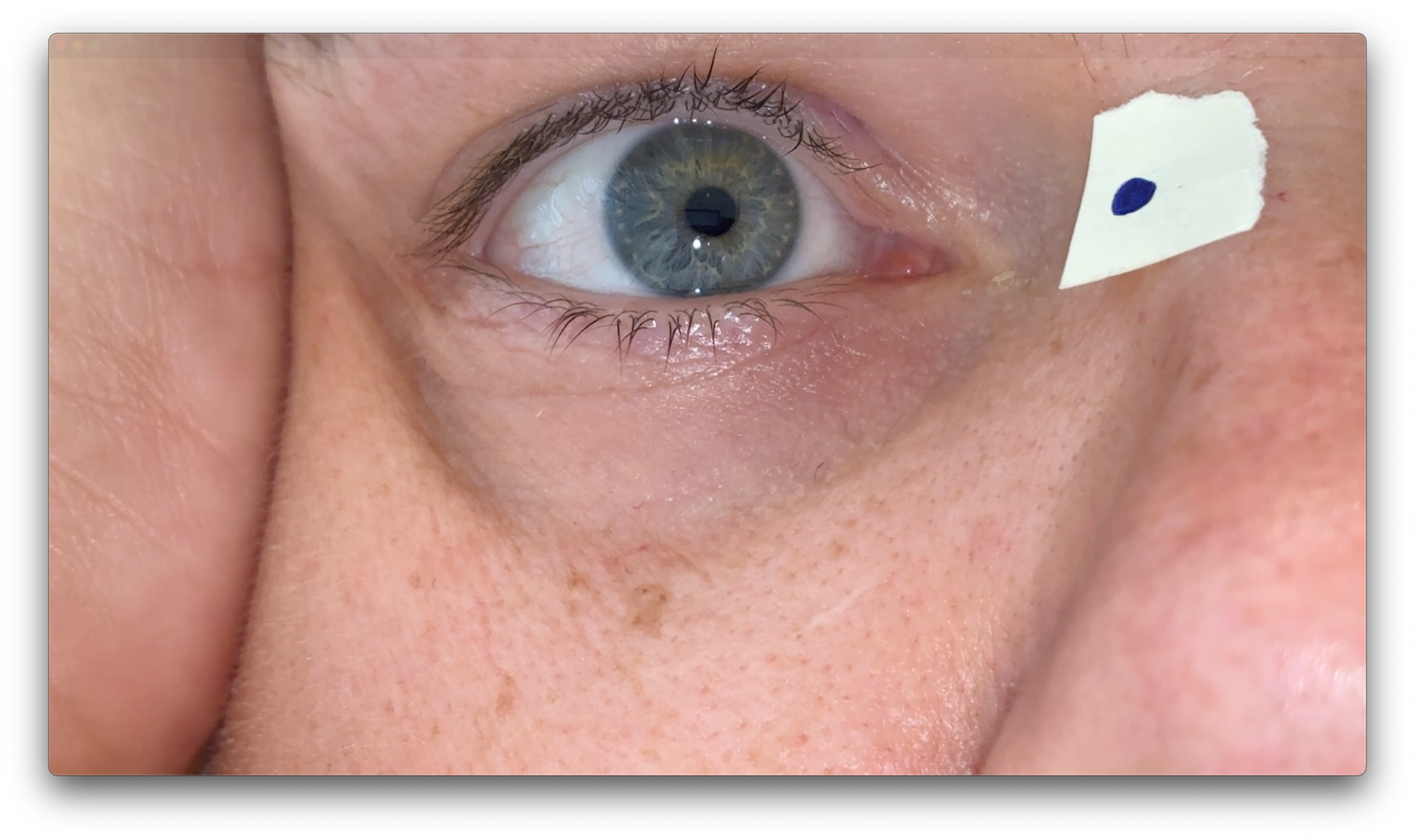
App settings - Head movement correction video
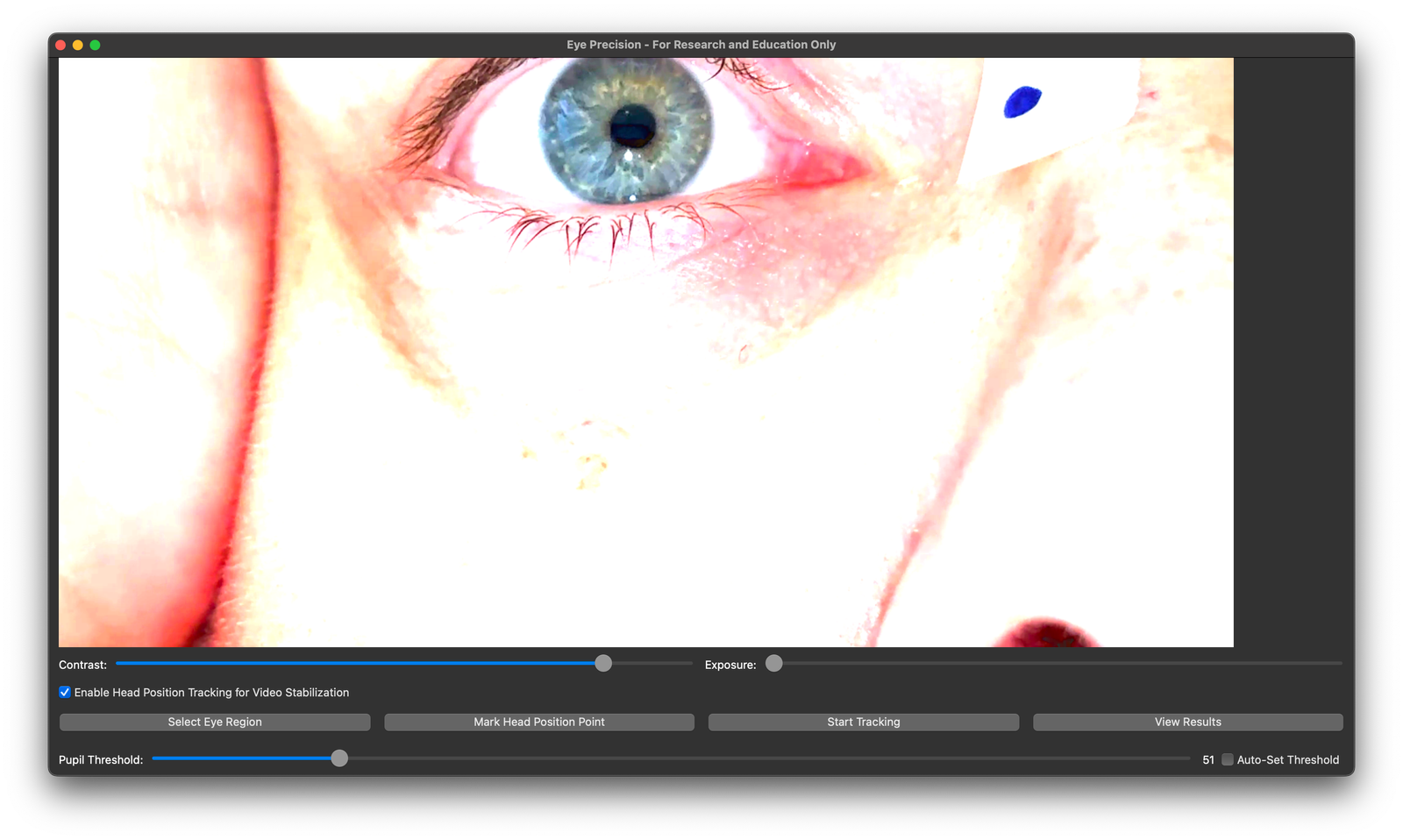
App settings - Head movement correction video
