Processing EP Latencies results
As with other Eye Precision apps, the video processing takes place in the main Eye Precision app
If recording is done in Built-In or Other mode with auto-recording enabled, the video will automatically be loaded into Eye Precision, along with the subject ID if available
If the video is recorded externally (EP Recorder app, smartphone, other camera), it can be manually loaded into Eye Precision for processing
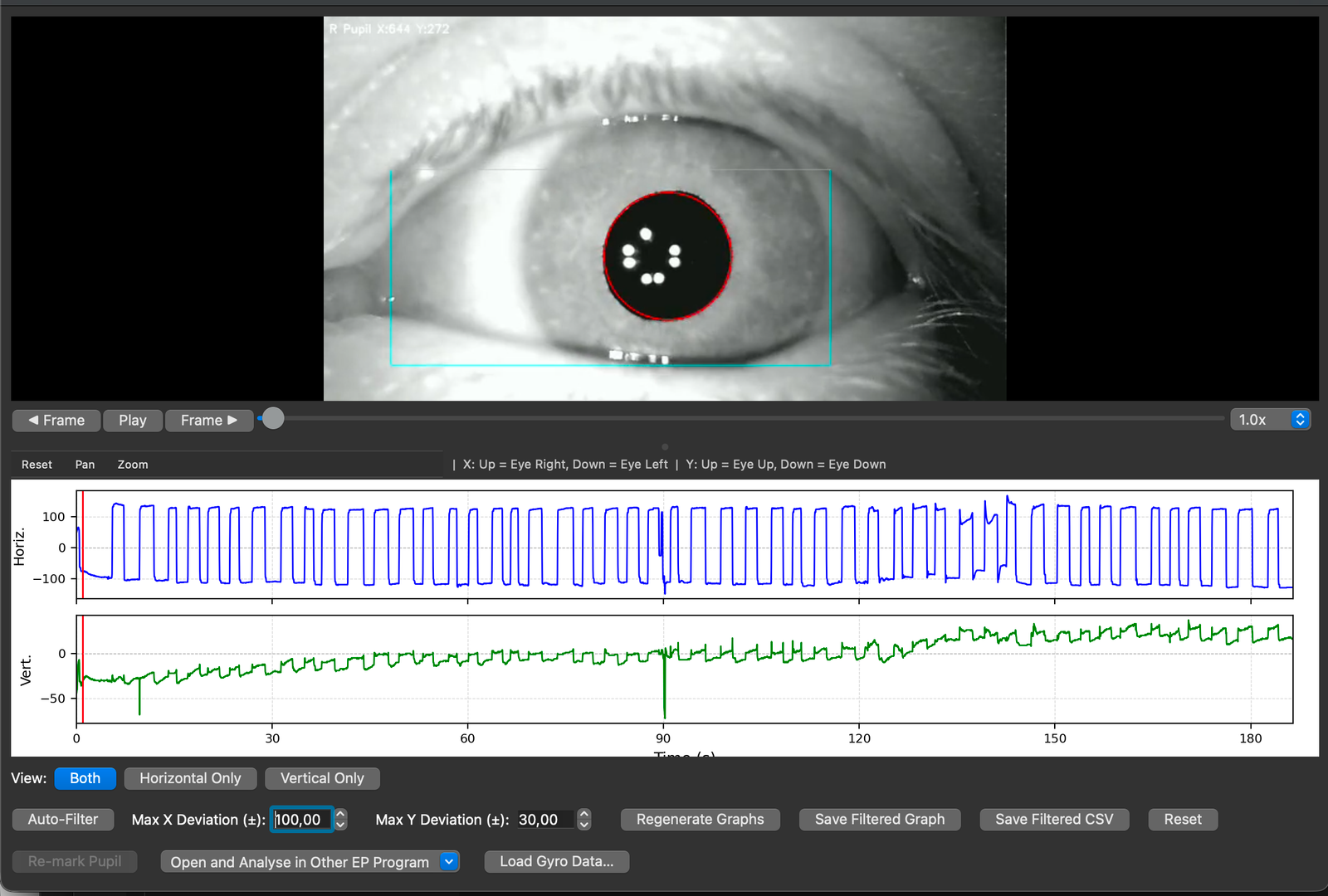
Process the video as usual in Eye Precision
Once the video has been processed, check that the saccades are clearly visible. If so, send the results file back to EP Latencies by clicking on "Open and Analyse in Other EP Program" followed by "EP Latencies"