Pairing with the EP Recorder app
The EP Recorder App is a companion app that allows you to record eye movements in sync with EP Latencies animations
When the EP Recorder app is paired, a preview will be shown of what the camera sees before the animation starts, and recording will be automatically started and stopped in sync with the animation
To pair the app, click on the orange button at the top right of the window
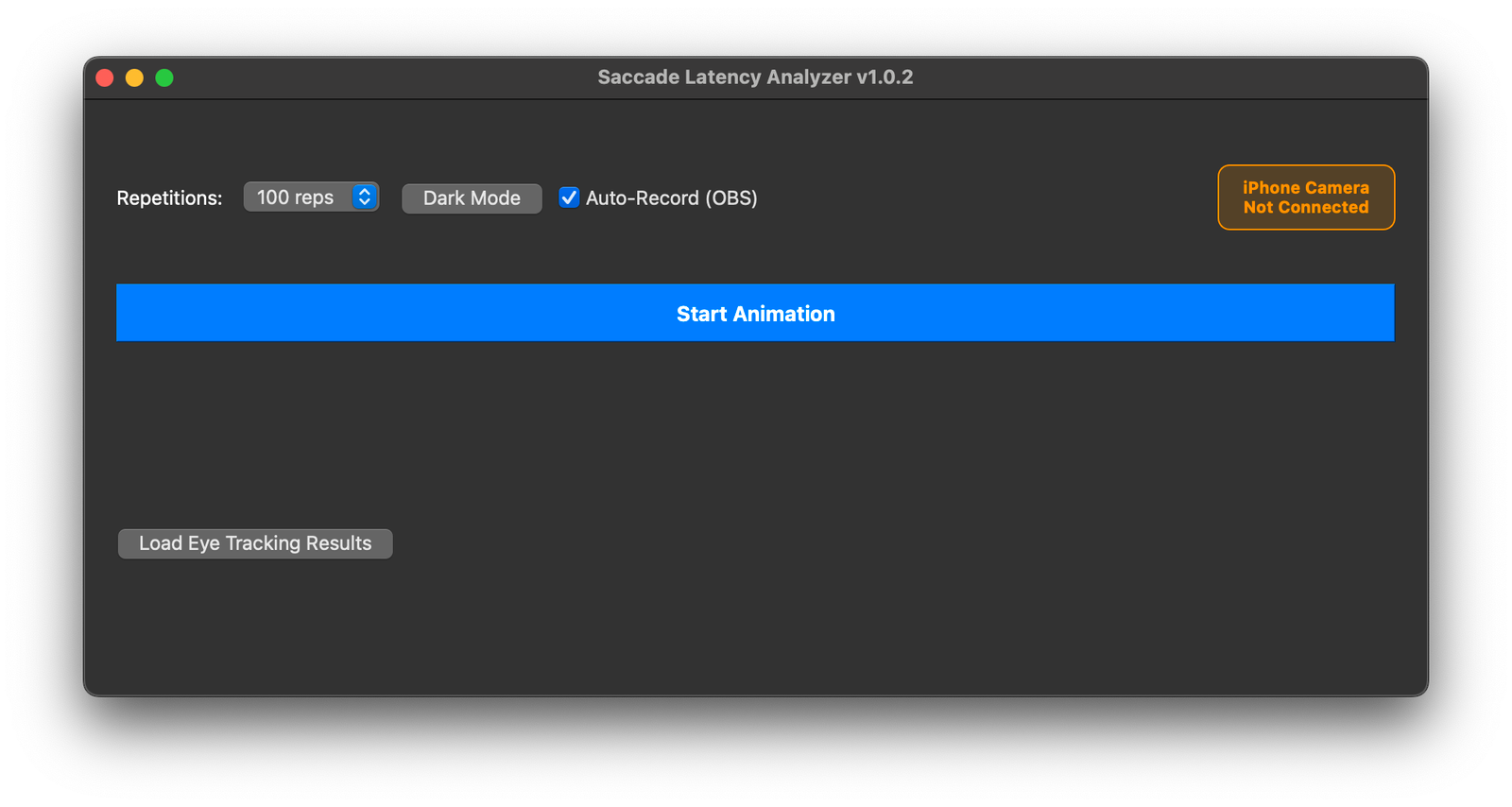
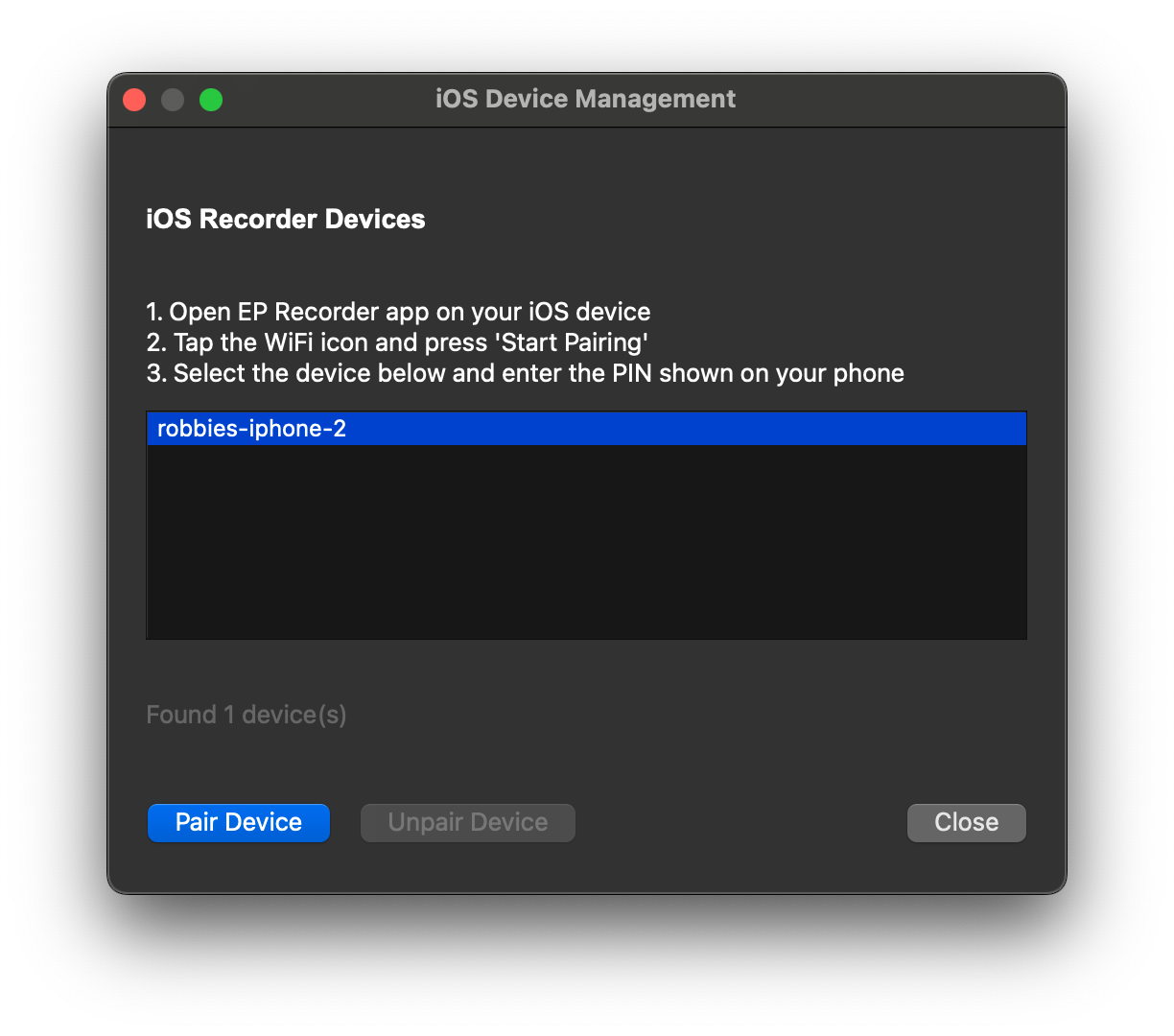
Make sure that EP Recorder is running on the phone to be paired, and that the computer and phone are on the same WiFi network
Choose the phone from the list of available devices, and click the "Pair Device" button
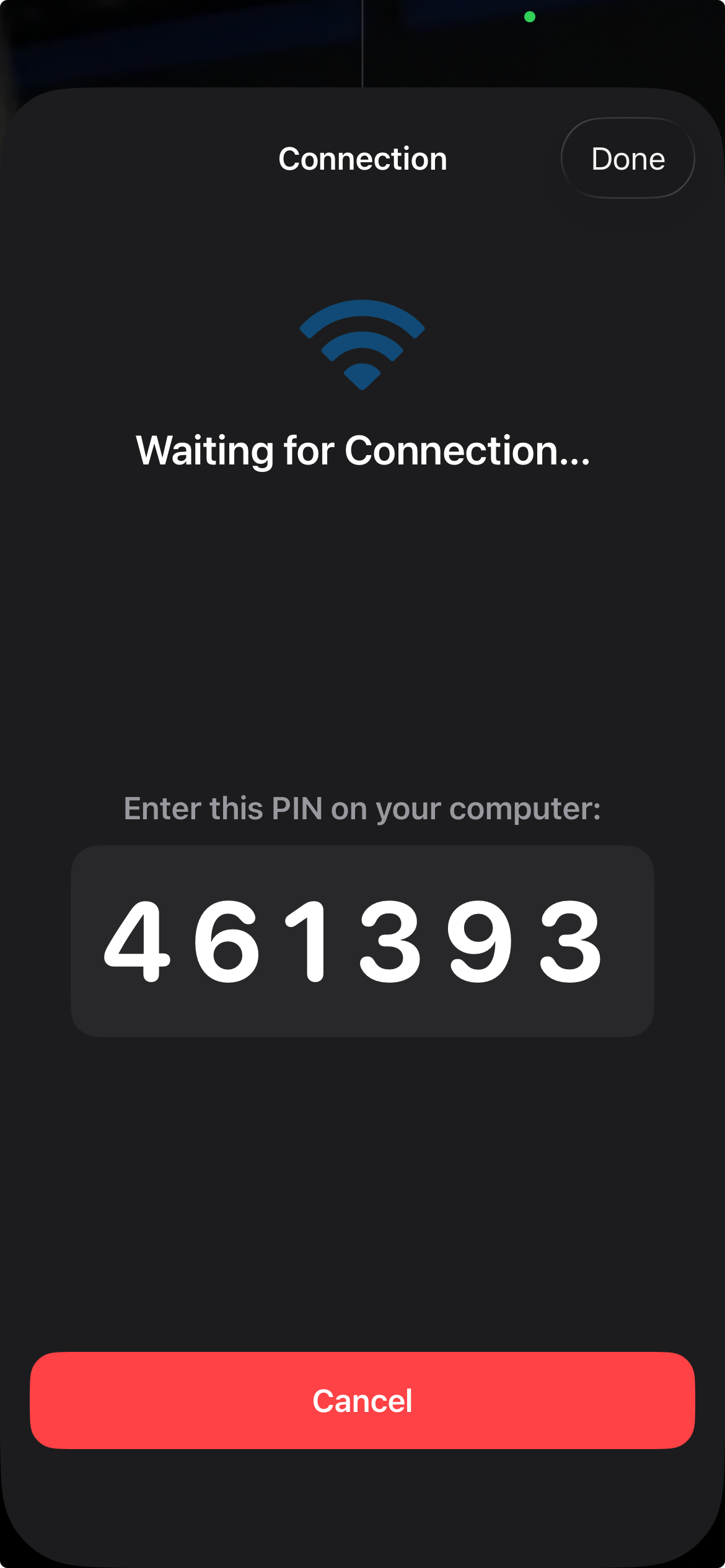
On the iPhone, click on "Start Pairing". Enter the 6-digit pin code shown into the EP Latencies window
Optionally check the box to keep the device paired indefinitely, if you are unlikely to pair other devices to the same computer
When the app is paired, the button in the main window will turn green
After clicking "Start Animation", a preview window will be shown. Use this to ensure that the eye(s) to be recorded is clearly visible
Recording will start and stop automatically, in sync with the animation